Monitored security or cameras: what's the difference?
Updated 4 min read
Homeowners Quiz is free because partners pay us. How partners work.
Key points
- Cameras record and send alerts to your phone. You decide what happens next.
- A monitored system sends alarms to a monitoring center that can reach you and contact help.
- You can have both, so it helps to know what each one does well.
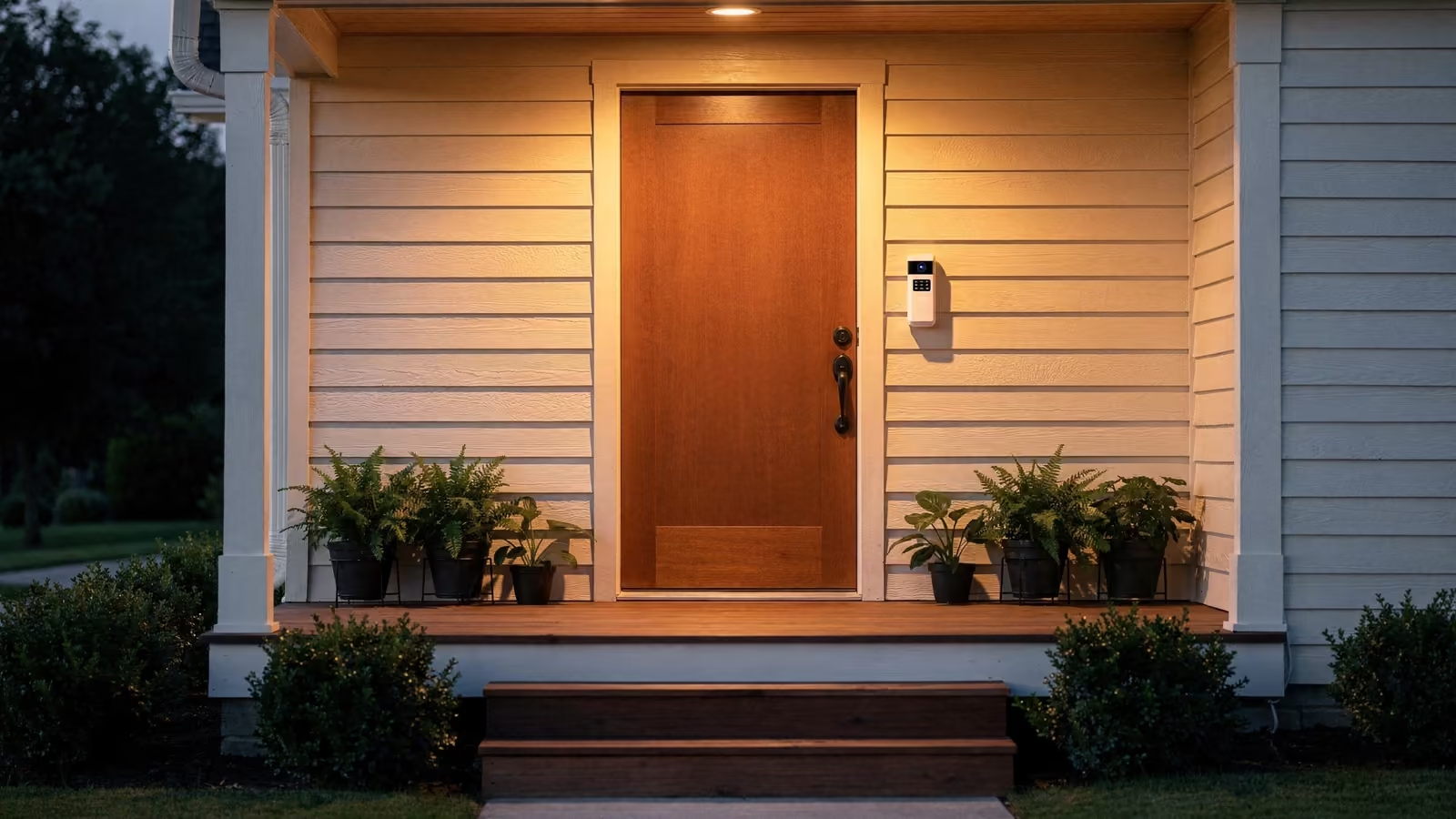
A video doorbell and an alarm keypad can look like two versions of the same idea. They're not. One records. The other responds. Both count as home security, but they work in different ways and cost money in different ways. Here's a plain look at each, so you can decide what fits your home.
How security cameras work
Security cameras, including video doorbells, stream live video to an app on your phone or computer. The Federal Trade Commission notes they may be called smart cameras, connected cameras, or IP cameras.1
Many cameras send an alert when they sense motion or someone rings the bell. With a camera on its own, the rest is up to you. You watch the clip, decide whether it matters, and call someone if it does. If you're asleep or away from your phone, the camera keeps recording, but nobody acts on it until you do.
That makes cameras good at a few things: seeing who's at the door, checking on a delivery, and keeping a record you can share later.
How a monitored system works
A monitored system usually pairs sensors on doors and windows, and sometimes motion sensors, with a keypad or app to arm it. When an alarm goes off, the signal goes to a monitoring center. What happens next depends on the company. It may call you before it contacts the authorities, or after.2
It's worth asking what the company does if it can't reach you. The FTC suggests finding out whether it resets the alarm, calls the police, or calls other people.2 That answer is a big part of what you're paying for.
Security systems can watch for more than break-ins. The FTC points out that they can also monitor smoke, carbon monoxide, and water levels, and notify authorities about a medical emergency.2
The short version
Cameras record what happened. A monitored system can send help while it's happening.
How they compare
- Who responds. With a camera on its own, you do. With monitoring, the monitoring center does, following the rules in your contract.
- What it covers. A camera covers what it can see. A monitored system covers each door and window that has a sensor, and it can also watch for smoke, carbon monoxide, or water if you add those sensors.2
- How you pay. Cameras are mostly something you buy up front, though some charge a fee to save video online. Monitoring comes with its own fee, billed monthly, quarterly, or yearly, and usually a contract period. Ask how long it runs and whether there is a penalty for ending it early.2
- Upkeep. To keep your video private, cameras need a secure home network, software updates, and a strong password.1
Your home insurance may be part of the picture too. The Texas Department of Insurance suggests that if you install a monitored security alarm or a smart home system, you tell your insurance company and ask about a discount.3 New York's Department of Financial Services lists security systems, surveillance systems, and motion-detecting cameras among the theft prevention measures that many policies offer discounts for.4
Not every policy offers these discounts, so it's worth asking your insurer what qualifies before you buy.4
Using both
You don't have to pick one. Some homes have a video doorbell and a monitored system, and the FTC notes that some security systems offer video too.2
A simple way to think about it: cameras help you see, and monitoring helps you get a response. If you travel, sleep through phone alerts, or want smoke and carbon monoxide watched too, monitoring adds something a camera on its own doesn't. If you mostly want to see who's at the door, a camera may be all you need.
Want someone watching when you can't?
A monitored system can send help while something is happening, which cameras alone can't do. Plans differ in what they watch and what the equipment costs, so compare a few before you sign.
 See monitored plans
Questions to ask before you choose
For a monitored system, the FTC suggests asking:2
- Who monitors the system? Some companies hand that work to another company.
- Does the company call you before or after it contacts the authorities?
- What happens if it can't reach you when the alarm goes off?
- What happens if the power goes out? Is there a backup battery?
- How long is the contract, and what happens if you move before it ends?
For cameras, look for one that encrypts your account information and video, keep its software up to date, and use a strong password you haven't used anywhere else.1
For more on comparing companies and reading the contract, see our guide on how to choose a home security system.
Sources
- Federal Trade Commission. How To Secure Your Home Security Cameras (opens in a new tab). Accessed .
- Federal Trade Commission. How To Avoid Scams When You Shop for a Home Security System (opens in a new tab). Accessed .
- Texas Department of Insurance. Lower your home insurance cost by asking for discounts (opens in a new tab). Accessed .
- New York State Department of Financial Services. Insurance Discounts and Savings (opens in a new tab). Accessed .